Best Budgeting Tools for Beginners in 2025: Ultimate Guide
Table of Contents
Why budgeting still matters (especially for first-time budgeters)
A budget isn’t punishment; it’s a permission slip. The right budgeting tools for beginners show where cash actually goes, help you avoid high-interest debt, and make room for goals like an emergency fund, travel, or retirement. When you can see your money in one place, you’ll spend with intention—not guesswork.
Quick wins you’ll get from budgeting:
- Spot and shrink wasteful expenses.
- Prevent overdrafts and late fees.
- Build a buffer and set realistic savings targets.
- Reduce stress because you finally “know your numbers.”
Top budgeting apps & tools for 2025
Below are tried-and-true budgeting tools for beginners that match different learning styles. Start with one, stay consistent for 30 days, and only then consider adding more features.
YNAB (You Need A Budget)
YNAB uses a “give every dollar a job” approach. You assign money to categories before you spend it, which is perfect for new users who want structure. It also includes classes and coaching—huge value for anyone testing budgeting tools for beginners for the first time.
Best for: hands-on planners who want proactive control.
Mint-style trackers — fast, automated overviews
Mint popularized automatic syncing, category tracking, and bill alerts. If you want a free way to see everything in one place, it’s a classic entry in the world of budgeting tools for beginners. (If Mint isn’t available in your region, similar tools from your bank or card issuer often cover the basics.)
Best for: beginners who want quick, automated tracking.
Monarch Money
Goodbudget — envelope method made digital
Goodbudget digitizes the envelope system. You fill virtual envelopes (groceries, rent, fuel) and spend from those limits. It’s one of the most straightforward budgeting tools for beginners because it teaches discipline without spreadsheets.
Best for: visual learners who love clear spending “buckets.”
PocketGuard — “left to spend” at a glance
PocketGuard tells you, after bills and goals, how much is safe to spend today. That one number helps new users avoid impulse purchases—exactly the kind of guardrail most people need from budgeting tools for beginners.
Best for: busy people who want a daily “left to spend” snapshot.
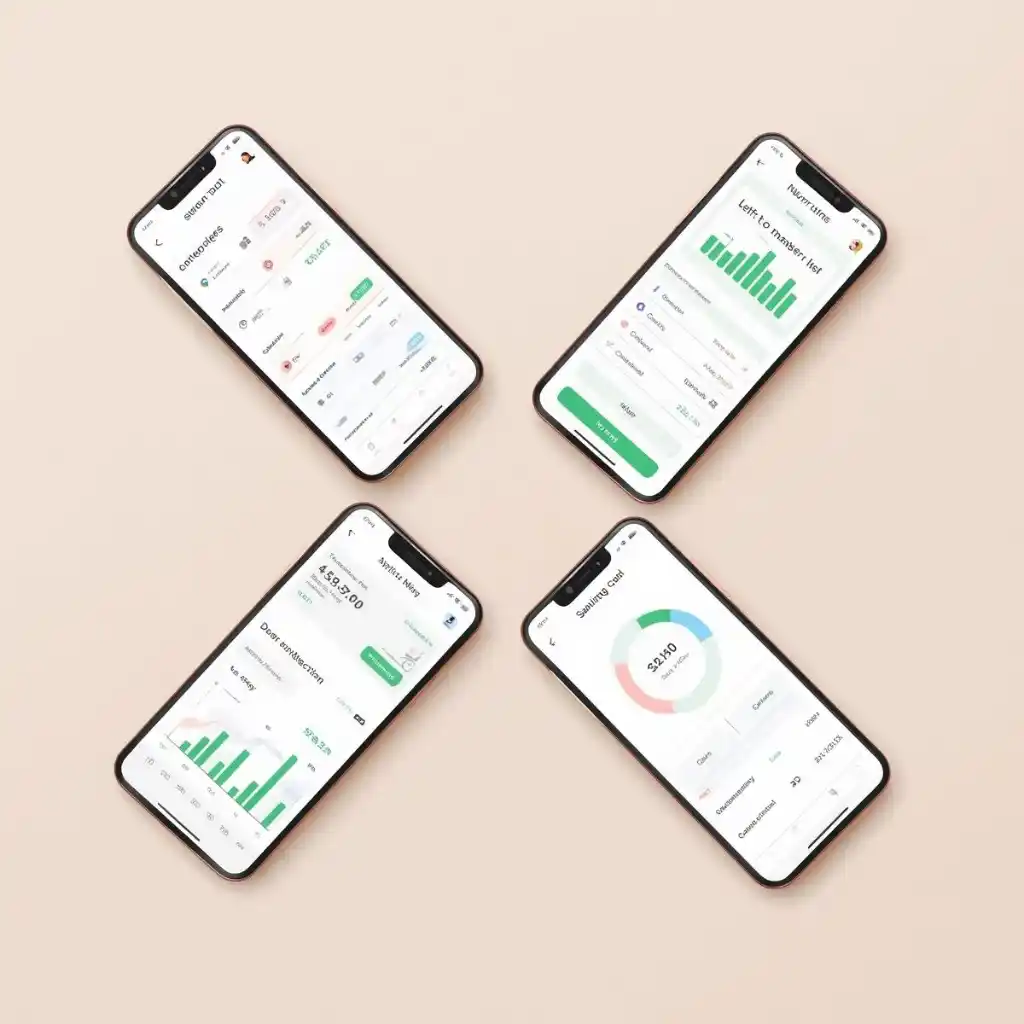
Spreadsheet budgeting (Google Sheets / Excel)
Don’t sleep on spreadsheets. Templates in Sheets/Excel are free, flexible, and private—excellent budgeting tools for beginners if you like total control. You can:
- Customize categories
- Add charts to visualize trends
- Track cash, debts, and savings goals side by side
Pro tip: set 15 minutes weekly to enter transactions. Consistency turns spreadsheets into powerhouse budgeting tools for beginners.
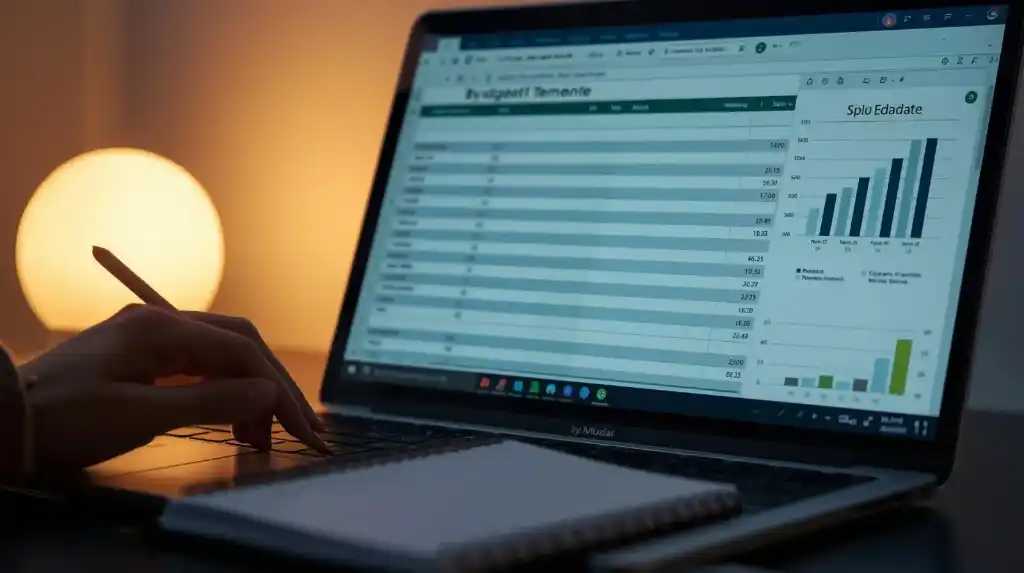
Bank-integrated dashboards
Many banks now include built-in dashboards that auto-categorize spending, set goals, and alert you to trends. Because they pull data directly from your accounts, they’re often the most accurate budgeting tools for beginners—and they’re already in the app you use daily.
Use them for: instant categorization, goal trackers, and real-time alerts.
A framework that actually sticks
Whichever app you choose, use this simple framework to lock in results with your budgeting tools for beginners:
- Start with cash flow. List take-home income and fixed bills.
- Give every dollar a job. Essentials → goals → fun money.
- Automate the first moves. Transfer to savings on payday; set recurring bill payments.
- Do a weekly 10-minute check-in. Confirm transactions, adjust categories, and move on.
- Review monthly. Celebrate one win and fix one leak.
Best budgeting tools for beginners: tips for 2025
- Pay yourself first. Automate transfers the day income lands. The best budgeting tools for beginners make this easy.
- Use round-ups or micro-savings. Tiny, frequent deposits build the habit.
- Keep categories simple. 10–12 is enough. Complexity kills consistency.
- Name your goals. “Emergency Fund—$1,500 by June” beats “Save more.”
- Track streaks, not perfection. Your streak of weekly check-ins matters more than one messy month.
Best budgeting tools for beginners: common mistakes to avoid
Even with solid budgeting tools for beginners, these pitfalls trip people up:
- Underestimating expenses. Add a “miscellaneous” cushion.
- Ignoring irregular income. Base your plan on a 3–6 month average.
- Never adjusting. Update your budget when rent, income, or habits change.
- Emotional spending. Use a 24-hour rule for non-essentials.
Best budgeting tools for beginners: accountability = momentum
Share your goals with a partner or friend and schedule a 15-minute monthly “money chat.” Many budgeting tools for beginners let you export a quick snapshot—perfect for accountability and celebrating progress.
psychological perks you’ll feel fast
- Less stress. Uncertainty fades when your dashboard shows the reality.
- More control. You’ll start saying “I planned for this,” not “How will I pay for this?”
- Motivation. Each small win (first $500 saved, first debt paid) fuels the next.
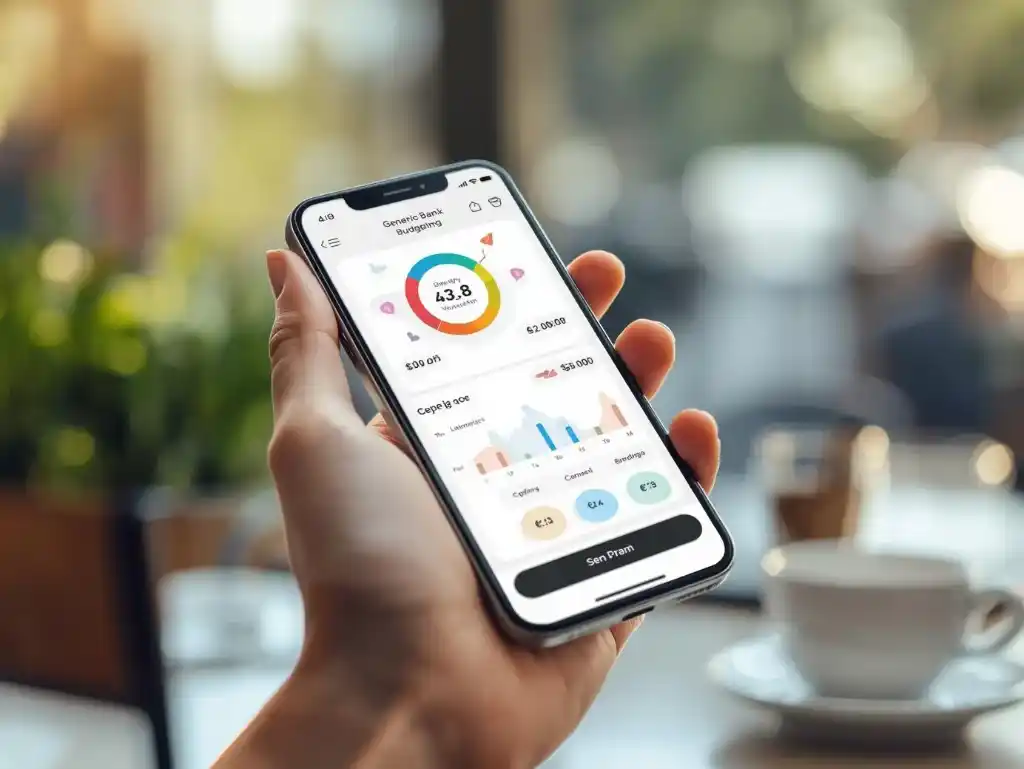
YNAB vs Mint vs spreadsheets
- Choose YNAB if you want structure, coaching, and proactive planning.
- Choose Mint-style tools if you want fast, automated tracking inside a polished app.
- Choose spreadsheets if you want full customization and zero subscriptions.
Whichever path you pick, remember: simple beats fancy. The best budgeting tools for beginners are the ones you’ll actually open every week.
Best budgeting tools for beginners: a 30-day starter plan
Week 1:
Install one app (or open a sheet). Connect accounts.
List income, fixed bills, and three goals.
Week 2:
Set automatic transfers for savings.
Create 10–12 categories. Start tracking daily.
Week 3:
Trim one recurring cost; redirect the savings.
Use your app’s alerts to catch overspending early.
Week 4:
Do your first monthly review.
Increase automation by $10–$25 if it felt easy.
By the end of 30 days, your chosen budgeting tools for beginners will feel familiar, your categories will match your real life, and your first savings wins will be visible.
small, consistent steps win
You don’t need perfect discipline or a six-figure salary to turn things around. You need visibility, automation, and a weekly check-in. Let the right budgeting tools for beginners show you where the money goes, help you plan where it should go next, and keep you moving—one paycheck at a time.