
Table of Contents
Disclaimer: This is educational content and not professional legal, business, or financial advice.
Introduction
Synthesia is revolutionizing how we create video content in 2025 — turning text into professional visuals without cameras or editing. Whether you’re training employees, marketing a product, or launching an online course — video drives engagement, trust, and conversion.
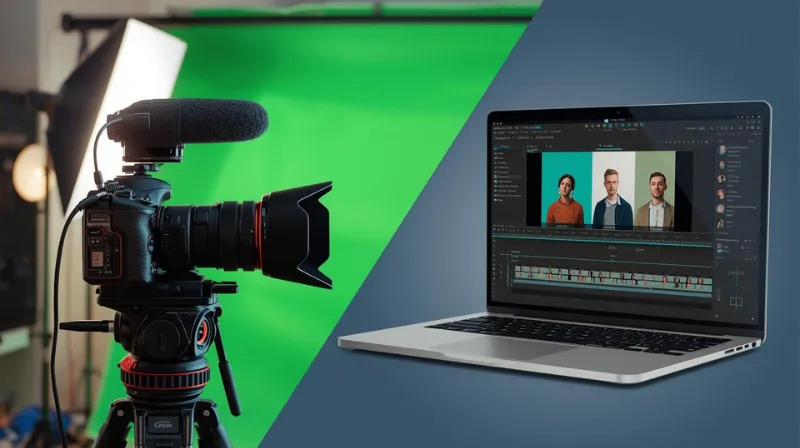
But traditional video production is expensive and time-consuming. Think about cameras, lighting, studios, actors, editors… Not every small business, startup, or educator has that kind of budget or bandwidth.
Enter Synthesia — a powerful AI video generator that lets you turn text into professional-looking videos using avatars and voiceovers, all without needing a camera or editing software.
This guide explains what Synthesia is, how it works, why it’s ideal for American entrepreneurs and educators in 2025, and how to make the most of it.
What Is Synthesia?
Synthesia is a leading AI video generation platform founded in the UK.
It lets you create avatar-based videos in over 140 languages using only text.
You can select from 230+ realistic AI avatars or even create a custom avatar of yourself.
In 2025, it launched “Synthesia 2.0,” expanding enterprise features and voice cloning.
Used by thousands of companies including Amazon, Nike, and Accenture.
Key Features
- Over 230 human-like AI avatars
- Support for more than 140 languages and dialects
- Ready-made video templates for training, marketing, education
- Easy-to-use video editor
- Custom branding options (logos, fonts, colors)
- Personal avatar creation (on enterprise plan)
- High security and compliance (GDPR, SOC2)
How to Use Synthesia (Step-by-Step)
1. Create an Account
Start with a free trial or subscribe to a paid plan. The free version includes limited minutes and watermarked videos.
2. Write Your Script or Upload Content
You can enter your own script or upload a document (PDF, slide deck, etc.) to convert into video scenes.
3. Choose Your AI Avatar and Language
Pick an avatar that suits your audience, and choose the voice language and accent (e.g. American English).
4. Customize the Design
Use a template or build from scratch. Add your brand colors, logo, and select your background.
5. Review and Adjust
Preview the video, check lip sync and narration, adjust timing if needed.
6. Export and Share
Download the final video in MP4 format or share a direct link.
Who Should Use Synthesia?
- Corporate L&D teams
- Entrepreneurs and solopreneurs
- Online coaches and educators
- Content creators on YouTube, TikTok, etc.
- Startups needing product or explainer videos
Pros and Cons
Pros:
- No need for filming or editing
- Fast production with scalable output
- Great for multilingual audiences
- Custom branding support
- Easy for beginners
Cons:
- Limited emotional expression in avatars
- Some realistic features (custom avatars) require higher plans
- AI voice can sound robotic in certain accents
- Watermark in free version
Pricing Overview (USA)
- Starter Plan: $29/month – includes 10 mins of video, no watermark
- Creator Plan: $67+/month – more minutes, voices, subtitle export
- Enterprise Plan: Custom pricing – includes personal avatars, integrations, team collaboration
Tips for Best Results
- Write clear, short sentences
- Use multiple scenes for long texts
- Test different avatars and voices
- Add subtitles for accessibility
- Avoid slang or sarcasm
- Combine with screen recording tools for software tutorials
- Always review before publishing
Final Thoughts
If you’re a business owner, educator, or content creator in the USA, Synthesia can help you deliver polished video content quickly and cost-effectively — without the need for equipment or video production skills.
Next Steps
- Create your free Synthesia account
- Upload a sample script and test your first video
- Share with your audience or team
- Upgrade to a paid plan if needed
- Consider creating your branded avatar for maximum control