
ChatGPT for Blog Writing: 27 Proven Workflows, Prompts & SEO Tips (2025)
Table of Contents
Educational content — not legal, editorial, or financial advice.
Modern blogging is a balancing act: publish consistently, say something worth reading, and keep search engines happy—without burning out. ChatGPT for blog writing can be your force multiplier, but only if you pair it with a smart workflow, rigorous editing, and clear SEO strategy. This guide gives you end-to-end systems, real prompts, and tool stacks to help you research faster, draft better, and ship reliably—while keeping your unique voice front and center.
Used thoughtfully, ChatGPT for blog writing helps you scale output without sounding generic.
Why Use ChatGPT for Blog Writing (and Where Humans Still Win)
Used well, ChatGPT for blog writing helps you:
- Turn fuzzy topics into actionable outlines and briefs.
- Explore angles you might miss under deadline pressure.
- Draft faster so you can spend more time on reporting, examples, screenshots, and editing.
- Repurpose long posts into social snippets, emails, FAQs, and content upgrades.
Where humans still win: judgment, accuracy, taste, brand voice, and original experience. Treat AI as your high-speed assistant—not your replacement.
Bookmark these to guide how you use ChatGPT for blog writing responsibly.
Helpful references you can bookmark (DoFollow):
- Google’s people-first content & E-E-A-T guidance.
- Google’s stance on AI-generated content.
- SEO starter guide (Google Search Central).
- OpenAI ChatGPT overview.
ChatGPT for Blog Writing: Step-by-Step Workflow
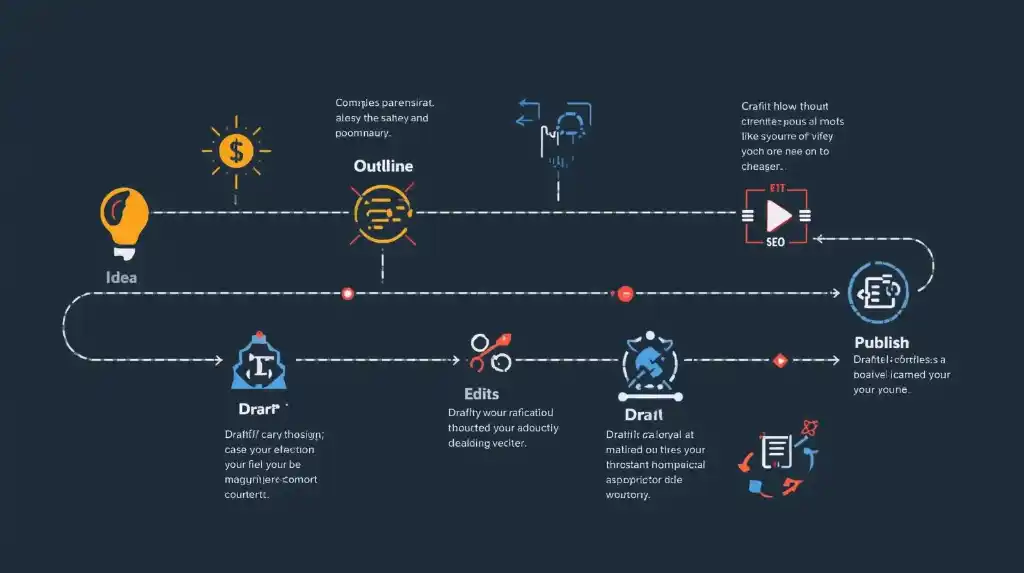
This is the core pipeline I run with ChatGPT for blog writing, from idea to publish.
From Idea → Outline → Draft → SEO → Polish
Below is a battle-tested sequence that keeps quality high and throughput steady.
1) Audience & Intent Snapshot (3–5 minutes)
- Define reader segment (job, level, pain point).
- Define primary search intent (informational, comparative, transactional).
- Write a one-sentence “job to be done” for the post.
Note: before prompting, write a one-line brief to steer <strong>ChatGPT for blog writing</strong> toward the right persona and intent.<br>
Prompt:
“You are an editorial strategist. Given the topic [YOUR TOPIC], outline the primary reader persona, their top pains, and the search intent behind this query. Return a concise table.”
2) Topic Validation & Angle
Use trusted sources to sanity-check demand and angle:
- Google Trends.
- Answer the Public (or AlsoAsked).
- Ahrefs Blog (free methodology reads).
- Moz Beginner’s Guide to SEO.
Prompt:
“Suggest 5 differentiated angles for [YOUR TOPIC]. For each angle, include a ‘Why it’s different’ note and a working H1.”
3) Content Brief & Outline (10–15 minutes)
Your brief should specify: audience, promise, outline (H2/H3), internal links, external citations, examples, schema, and assets.
A tight, example-rich brief makes ChatGPT for blog writing faster and more accurate.
Prompt:
“Create a detailed content brief for the H1 [YOUR H1] aimed at [persona/level]. Include H2/H3 outline, key talking points, questions to answer, internal linking ideas, and a list of authoritative external sources to cite.”
4) Research Accelerators
Ask for subtopic summaries, comparison tables, and frameworks—but verify facts with primary sources (journals, docs, standards).
Prompt:
“Summarize the pros/cons of [A vs. B] in a neutral table with criteria: cost, learning curve, features, and best-fit scenarios. Add 2 cited sources to verify each claim.”
5) Drafting with Voice Controls
When drafting with ChatGPT for blog writing, generate one section at a time to keep tone and structure consistent.
Draft per section to keep control of tone and structure. Keep paragraphs tight (2–4 sentences), and lead with context before detail.
Prompt:
“Write H2: [Subtopic] in a confident, friendly tone for an intermediate audience. Start with a 2-sentence summary, then 3–5 bullet points with practical steps. End with a one-sentence takeaway.”
Voice alignment prompt:
“Rewrite the above to match this voice: concise, concrete, zero fluff, occasional one-line punch. Keep jargon minimal; use examples.”
6) Add Lived Experience & Proof
AI can’t live your life. You can. Insert screenshots, metrics, dates, mistakes you made, and what you’d do differently. Reference sources transparently.
Prompt:
“Suggest 3 places in my draft where a real story, metric, or screenshot would best increase credibility. Describe what to show.”
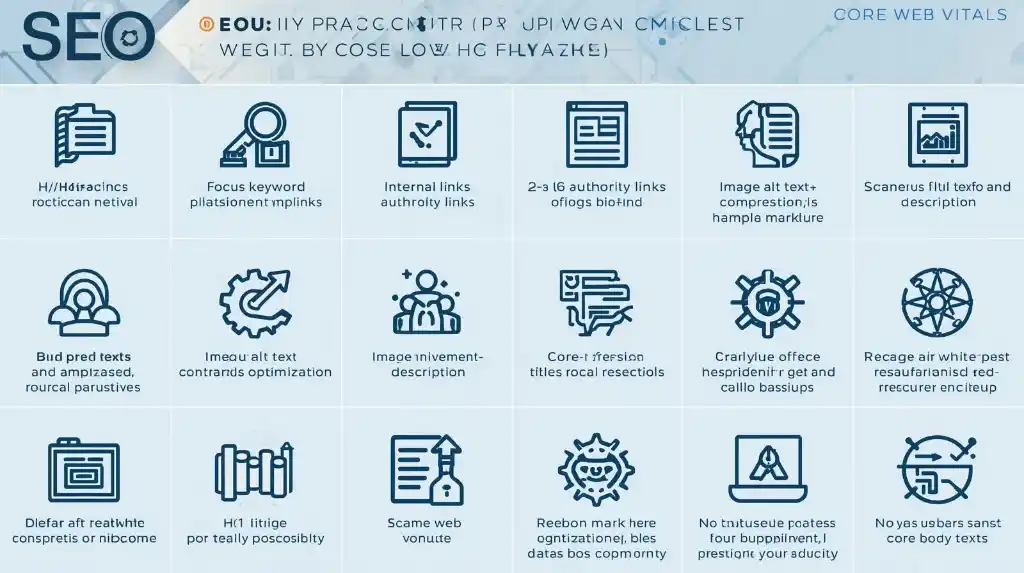
7) On-Page SEO Pass
- Put your primary phrase (focus keyword: ChatGPT for blog writing) in H1, early intro, one H2, and naturally across the page.
- Use descriptive, skimmable H2/H3s.
- Add internal links to related resources.
- Add 2–6 authoritative external links (DoFollow by default).
- Optimize images (alt text, captions, compression).
Useful tools:
- Yoast/Rank Math (on-page helpers).
- PageSpeed Insights (CWV).
Prompt:
ChatGPT for Blog Writing: Prompt Library Essentials
“Audit my post for on-page SEO. Return a checklist with: missing keywords, weak headings, internal link ideas, external authority links, image alt suggestions, and a 155–160 char meta description.”
Aim to use “ChatGPT for blog writing” exactly in the H1 and one H2; elsewhere, rely on natural variants and synonyms.
8) Fact-Check & Edit
- Fact-check every claim and stat.
- Tighten structure; cut repetition.
- Run a grammar/clarity pass (Grammarly/Hemingway).
Prompt:
“Act as a managing editor. Suggest edits to improve clarity, flow, and specificity. Mark any unsupported claims. Keep my voice.”
9) Schema, Media, and Accessibility
- Add
Articleschema; addFAQPageif you have FAQs. - Add alt text (descriptive, no keyword stuffing).
- Compress images (WebP/AVIF); use lazy loading.
- Use accessible color contrast and clear link text.
10) Repurpose & Distribute
- Convert sections into a newsletter thread (Mailchimp/Beehiiv).
- Create a Twitter/LinkedIn carousel from your H2s.
- Record a short Loom overview.
- Add content upgrades (checklist, template) to grow email.
27 Practical Ways to Use ChatGPT for Blog Writing (Prompt-Ready)
- Topic mining from readers’ pains
Prompt: “List 20 blog topics for [persona] struggling with [pain], grouped by intent.” - Angle differentiation vs the SERP
Prompt: “Given these top results [paste summaries], propose 5 ways to be uniquely useful.” - Content brief & outline (editor-grade)
Prompt: “Build a brief for [topic] including H2/H3s, examples, and internal/external links.” - Working title variants (CTR-friendly)
Prompt: “Generate 12 titles with a number + benefit + emotional/curiosity hook.” - Intro that earns the click
Prompt: “Write a 120–160 word intro that empathizes with [pain], names the payoff, and previews sections.” - Section drafts that stay tight
Prompt: “Draft H2 [name] with a 2-sentence setup, a numbered list of steps, and a one-line summary.” - Frameworks & models
Prompt: “Suggest a simple framework to explain [concept] with a diagram caption.” - Metaphors without fluff
Prompt: “Offer 3 concise metaphors for [abstract idea] suitable for a professional blog.” - Examples & mini case studies
Prompt: “Create 3 short, realistic examples that show [technique] in action, each with a measurable outcome.” - Comparison tables
Prompt: “Build a comparison table for [tools/methods] across criteria that matter to buyers.” - Myth vs fact
Prompt: “List 5 common misconceptions about [topic] and correct them with sources.” - FAQ drafting
Prompt: “Generate 8 FAQs for [topic] prioritizing what a hesitant buyer or skeptical reader would ask.” - SEO keyword mapping
Prompt: “Map primary, secondary, and semantic keywords for [topic] with suggested H2/H3 placement.” - Internal linking plan
Prompt: “From these URLs [paste], suggest natural internal link anchors and locations.” - External citation finder
Prompt: “List 6 authoritative resources to cite for [claim] with suggested anchor text.” - Meta title & description
Prompt: “Write 5 SEO titles (≤60 chars) and 5 meta descriptions (155–160 chars) for [topic].” - Image alt text & captions
Prompt: “Propose alt text and short captions for these image concepts [list images].” - People-first tone alignment
Prompt: “Rewrite this section to be more concrete and reader-first. Remove clichés, keep specifics.” - Content upgrade ideas
Prompt: “Suggest 4 lead magnet ideas (checklists, templates) that pair with this post.” - Social snippets
Prompt: “Create 6 social posts (Twitter/LinkedIn) that tease key insights with curiosity gaps.” - Email digest
Prompt: “Summarize the post in 180 words for a newsletter with a 7-word subject line.” - Outreach pitch
Prompt: “Draft a polite outreach email to ask [expert/publication] to review or share the post.” - Localization notes
Prompt: “List phrases, units, or examples that should adapt for US vs UK audiences.” - Compliance flags
Prompt: “Identify any claims that need citations, legal disclaimers, or clearer wording.” - Readability & scannability
Prompt: “Suggest where to add subheadings, bullets, and pull-quotes to improve skim value.” - Update plan (content decay)
Prompt: “Build a 6-month refresh checklist for this post: what to re-verify, expand, or retire.” - Post-mortem quick learnings
Prompt: “Given analytics [paste metrics], suggest 5 improvements for the next article.”
SEO for AI-Assisted Content: What Actually Moves the Needle
1) People-first content. Google’s guidance is explicit: write for people, demonstrate experience, and provide unique value.
2) Experience signals (E-E-A-T). Add firsthand details, screenshots, data, and outcomes. Quote credible sources. Link to your related posts.
3) On-page fundamentals. Clear H1/H2/H3 structure, descriptive slugs, optimized images, internal links to relevant pages, and 2–6 authoritative outbound links. Avoid keyword stuffing.
4) Page experience. Fast, stable pages convert and rank better.
- PageSpeed & Core Web Vitals:
5) Structured data. Add Article and FAQPage where relevant.
6) Media & accessibility. Add alt text (W3C guidance), transcripts for embedded video/audio, and adequate contrast.
7) Updates & pruning. Revisit top posts every 3–6 months. Consolidate thin or overlapping pages. Freshness wins in volatile SERPs.
Ethics, Accuracy, and Copyright (Non-negotiables)
- Fact-check everything AI drafts; cite sources you actually checked.
- Originality: avoid copying style lines verbatim from sources. Add your own examples and tests.
- Image rights: if you use stock, respect licenses; if you use AI images, avoid trademarked elements.
- Disclosures: if you use affiliate links, disclose. If a post is AI-assisted, follow your editorial policy.
Tool Stack (Lean and Effective)
- Writing & editing: Google Docs, Notion, Grammarly, Hemingway
- SEO helpers: Yoast / Rank Math, Ahrefs / Semrush (or free alternatives), Google Search Console
- Technical & performance: Cloudflare CDN , Image compression Squoosh.
- Automation: Zapier for “publish → social → Slack/email”
- Visuals: Figma for diagrams, Canva for social crops
- Analytics: GA4 + Search Console; also privacy-friendly Plausible
Example: A 90-Minute Sprint with ChatGPT for Blog Writing
Goal: Publish a 1,400-word tutorial with an FAQ and social snippets.
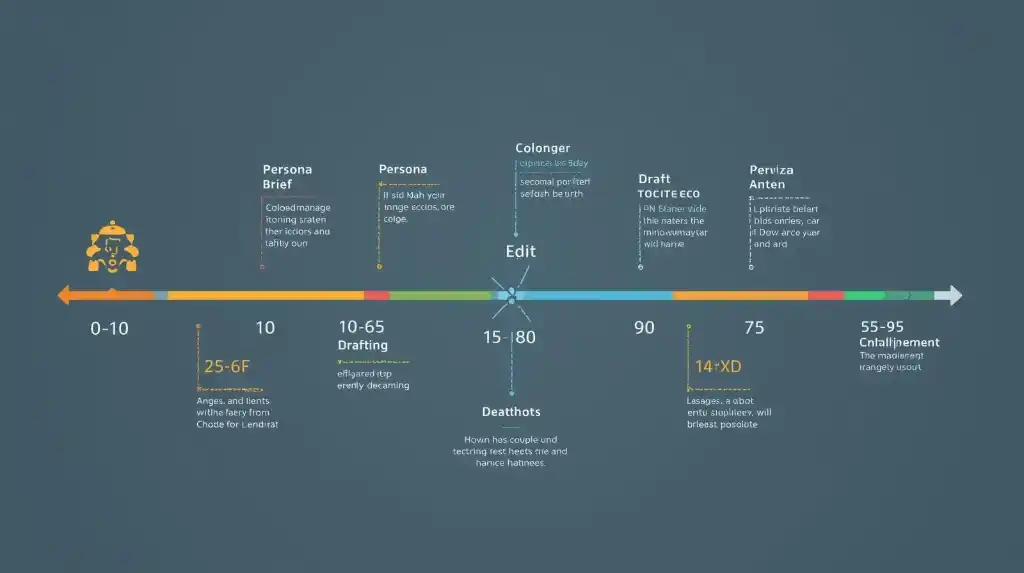
Minutes 0–10 — Persona, intent, angles (prompts #1–2)
Minutes 10–25 — Content brief + outline (prompt #3)
Minutes 25–55 — Draft top three sections (prompts #6–8)
Minutes 55–65 — Add examples & table (prompts #9–10)
Minutes 65–75 — SEO pass & meta (prompts #13, #16)
Minutes 75–85 — Edit & tighten; add alt text (prompts #18, #17)
Minutes 85–90 — Generate social + newsletter (prompts #20–21)
Ship, then schedule a refresh in 90 days (prompt #26).
FAQ: Straight Answers About ChatGPT for Blog Writing
Is AI-assisted content allowed in search?
Yes—Google evaluates quality and usefulness, not the tool used. Prove experience and cite sources.
Will AI make my blog sound generic?
It can if you let it. Counteract by injecting your stories, metrics, screenshots, and specific opinions.
How many posts should I publish weekly?
Consistency > volume. One standout post/week that earns links beats three forgettable ones.
Do I need expensive SEO tools?
Nice to have, not required. You can go far with free tools + strong briefs + discipline.
How much should I rely on AI?
Use it for speed (ideation, drafting) and keep humans for judgment (angles, examples, edits).
What’s the best way to brief ChatGPT for blog writing?
Provide a one-sentence goal, target persona, and must-cover bullets, then draft section-by-section with examples.
A Simple Publishing Checklist (Print This)
- H1 clear, includes ChatGPT for blog writing once
- Intro states the reader’s pain and the post’s payoff
- H2/H3s are skimmable; paragraphs are short
- Facts verified; quotes and stats sourced
- Internal links to 3–6 relevant posts
- 2–6 authoritative external links (DoFollow)
- Images compressed, alt text written, captions helpful
- Meta title ≤ 60 chars, meta description 155–160 chars
- Article/FAQ schema added (if applicable)
- CWV score checked in PageSpeed Insights
- One content upgrade or CTA included
- Calendar reminder set for a 90-day refresh
Final Thoughts: Make AI Your Multiplier, Not Your Master
ChatGPT for blog writing isn’t a “publish button”—it’s a production accelerator. Pair it with a professional editorial process and you’ll research faster, draft cleaner, and publish with more confidence. The win isn’t only time saved; it’s headspace recovered for the work only you can do: testing ideas, capturing real examples, and cultivating a voice readers trust.
Start with the 90-minute sprint, keep your checklist tight, and let the compound gains of consistency, structure, and smart tooling show up in your traffic and subscriber graphs.