ChatGPT Review 2025: 7 Powerful Reasons It Stands Out
Table of Contents
Introduction
ChatGPT Review 2025: Why This AI Still Leads the Pack
AI tools are everywhere in 2025 — from writing assistants to code generators. But few names have dominated the conversation like ChatGPT. With the launch of GPT‑4o and OpenAI’s rapid expansion into multimodal AI, ChatGPT is no longer just a chatbot — it’s a full-scale productivity assistant, research partner, and creative tool.
But does it still hold up for serious users? This review breaks down everything you need to know — from features and real-world performance to its surprising limitations. If you’re a content creator, entrepreneur, or advanced user wondering if ChatGPT is worth the upgrade (or subscription), you’re in the right place.
What Is ChatGPT?
ChatGPT is an AI chatbot built by OpenAI. It uses powerful deep learning models (like GPT‑4 and GPT‑4o) trained on massive text data from across the internet. This lets it understand and reply to human language in a smart, helpful way.
But in 2025, ChatGPT is much more than a simple chatbot. It can:
Summarize articles and long texts.
Write blog posts, emails, or even code.
Translate or fix grammar in any language.
Answer research or technical questions.
Help you plan, study, or just chat for fun.
You can use it in your browser, mobile app, or connect it with tools like Notion or Google Sheets.
Key Features of ChatGPT
1. Advanced Language Understanding ChatGPT gives smart, human-like replies in many languages. It understands context and keeps conversations smooth. ✔️ Great for writers, students, marketers. ChatGPT For Blog Writing SEO Tips 2025
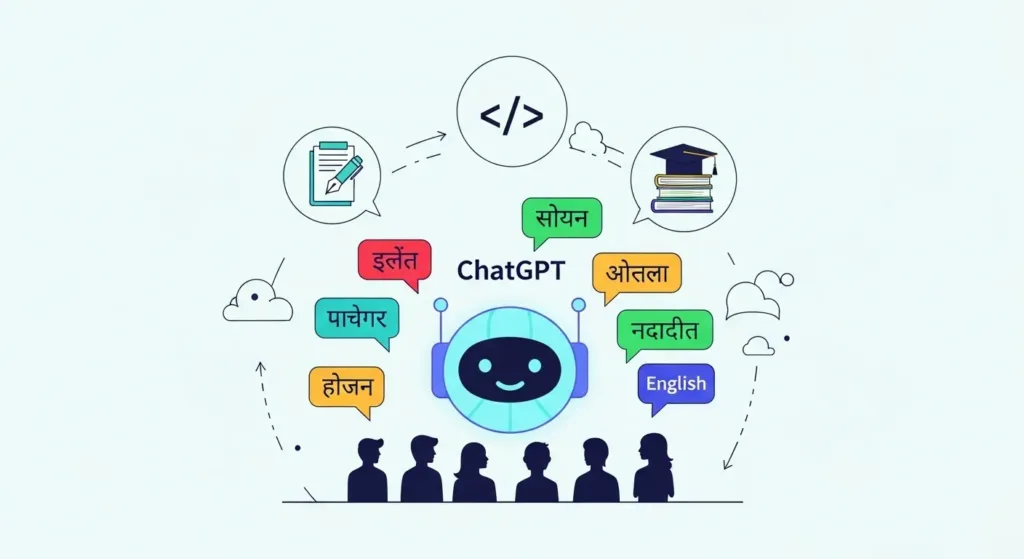
2. Multilingual Capabilities Supports over 50 languages — perfect for translation, content localization, and grammar correction.
3. High-Quality Content Generation Need a blog post, product description, ad copy, or script? ChatGPT delivers clean, ready-to-use content. 👉 Use it for brainstorming with AI Tools For Entrepreneurs Guide.
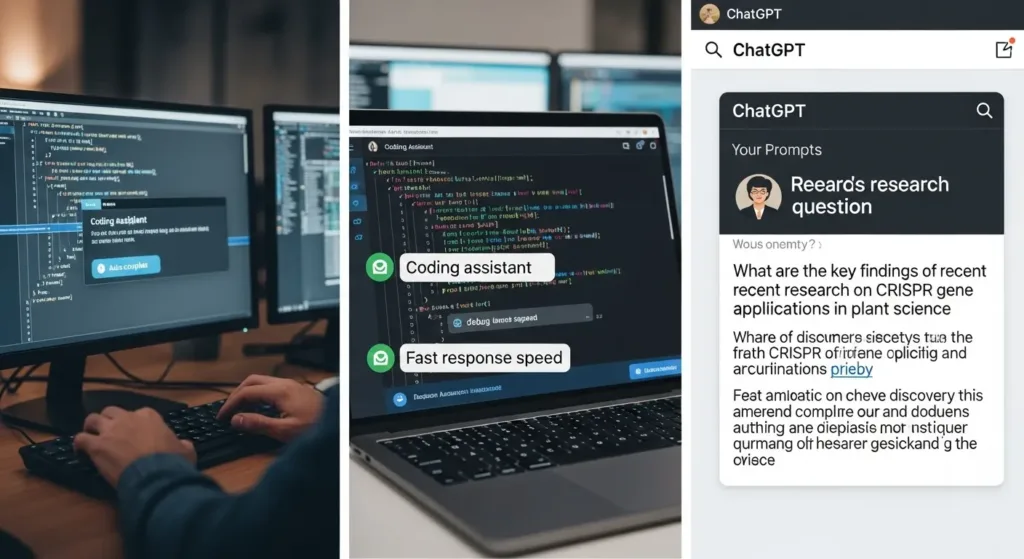
4. Code and Technical Assistance Helps write and debug code, explain technical concepts, or build simple scripts in Python, JavaScript, and more.
5. File & Modal Support (Pro) With GPT‑4o, it can read PDFs, analyze Excel files, and even describe images. 🔗 See GPT‑4o Features – OpenAI
6. Integration With Popular Tools Easily connects with Notion, Zapier, Google Calendar, and others — extending its power beyond just text chat. 🔗 Zapier + ChatGPT
7. Customizable Tone & Responses You can set ChatGPT’s tone and behavior using “Custom Instructions” for a more personal experience.
Performance for Intermediate Users
In this part of our ChatGPT review, we look at how the tool performs for intermediate or power users. It’s easy to be impressed at first — but how does it hold up during real work?
✅ Speed and Responsiveness
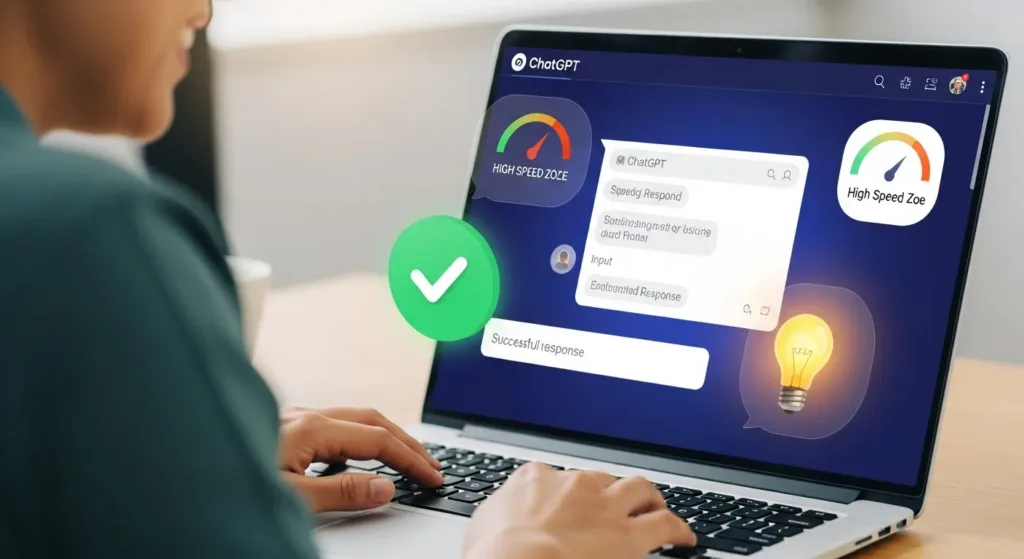
ChatGPT (especially GPT‑4o) is fast. It handles large prompts, complex questions, and multiple rounds of dialogue with minimal delay.
✅ Accuracy and Hallucinations
Compared to older versions, GPT‑4 is more accurate. But it still sometimes generates false info (a known issue called hallucination). 🔗 See GPT Accuracy Tips – OpenAI Docs
✅ Technical Depth
ChatGPT can explain complex concepts in simple or expert terms — great for tech users, marketers, or startup founders.
✅ Context Memory Limits
It may lose track of long conversations or forget earlier instructions. This is one of the key weaknesses mentioned in our ChatGPT review.
When conducting a ChatGPT review for professional or advanced users, several strong advantages stand out that make it a top-tier AI assistant:
✅ User-Friendly Interface
It works right in your browser or mobile app — no need to install or configure anything. It’s simple, fast, and smooth.
✅ Adapts to Your Style
Whether you want marketing content, scripts, blog posts, code, or casual talk — ChatGPT adjusts to your tone and intent.
✅ Custom Instructions Feature
You can set preferred tone, personality, or areas of focus. This is extremely helpful for consistency and advanced control over responses.
✅ Regular Updates
Each version improves performance and reliability. GPT‑4o, for example, introduced faster replies and multimodal input/output. 🔗 GPT‑4o Features on OpenAI
✅ Active Community & Support
Thanks to the large global user base and OpenAI’s forums, it’s easy to find solutions, tips, and inspiration.
Cons & Limitations of ChatGPT
No honest ChatGPT review is complete without examining the tool’s limitations. Despite its power, ChatGPT has a few weak spots that advanced users need to know.
❌ Hallucination (Wrong Information)
One major issue is that ChatGPT sometimes generates false or made-up facts — confidently. This can be risky when writing research, legal, or financial content. 🔗 Hallucination Issue – OpenAI Docs
❌ Short-Term Memory
ChatGPT doesn’t truly remember previous chats unless you’re using custom instructions or premium memory settings. It might forget context during longer sessions.
❌ Built-in Bias
Since it’s trained on internet data, you may notice some cultural or linguistic bias. This is especially clear when discussing sensitive topics.
❌ Limited Data Analysis
If you’re looking for live web data, complex Excel analysis, or interactive visuals — ChatGPT without plugins or browsing is limited.
❌ Over-Reliance Risk
Many users fall into the trap of overusing ChatGPT for everything. A smart ChatGPT review would remind you: it’s a great tool, but not a substitute for your own thinking.
Comparison with ChatGPT Alternatives
No ChatGPT review is complete without comparing it to other top AI tools. Is it really the best? Or are there better tools for specific needs?
Here’s a quick snapshot:
Tool
Strengths
Where it beats ChatGPT
Jasper AI
Marketing copywriting
Team collaboration & tone consistency
Copy.ai
Fast ad/content generation
Pre-built templates for businesses
Notion AI
Built into workflow tools
Writing inside Notion docs
Claude (Anthropic)
Safer responses, longer context
Cautious tone for sensitive content
Gemini (Google)
Real-time web access
Better data freshness via search
That said, most ChatGPT review insights agree — it’s still the most versatile and well-rounded AI tool for writing, coding, planning, and brainstorming.
When to Pick Something Else?
You need quick ads and email content → Try Copy.ai.
Your team lives in Notion → Use Notion AI.
But for an all-purpose AI assistant? ChatGPT still leads the pack.
An honest ChatGPT review for serious users must include tips that go beyond basic usage. Here are key ways to unlock its full potential:
🔧 1. Use Custom Instructions
Set your preferred tone, style, and goals. ChatGPT will then tailor answers more closely to your needs. 🗒 Example: “Answer like a business strategist pitching to startup founders.”
💬 2. Master Prompt Engineering
The better your prompt, the better the result. Always give context, formatting preferences, and examples. Try: “Summarize this article in 3 paragraphs with bold subheadings and a friendly tone.”
📎 3. Upload & Analyze Files (Pro)
In GPT‑4o, you can upload PDFs, spreadsheets, or images for direct analysis. Perfect for work, study, or marketing. 🔗 Using Files with ChatGPT – OpenAI
Save your best prompts for common tasks — like blog writing, client replies, or research. A detailed ChatGPT review makes it clear: this tool becomes smarter when used systematically.
Ideal Users & Use Cases
Every solid ChatGPT review must clearly explain who benefits the most from this AI tool. It’s powerful — but works best in specific roles.
Use it to simplify complex topics, summarize papers, or brainstorm outlines. Always fact-check the output.
🧑💻 Developers & Coders
Great for writing scripts, fixing bugs, or learning new languages like Python. Ideal for beginners and intermediate coders.
📊 Entrepreneurs & Founders
According to every detailed ChatGPT review, it’s a smart assistant for business ideas, pitch decks, and planning workflows.
🎓 Educators & Trainers
ChatGPT can help explain difficult subjects, build lesson plans, or create interactive teaching content.
In short, a well-informed ChatGPT review concludes that the tool fits a wide range of professionals — as long as it’s used wisely.
Conclusion + Next Steps
This ChatGPT review (2025) shows that the tool is no longer just for beginners. It’s now a full productivity suite — helping professionals, students, and creators get more done, faster.
Its strengths lie in flexibility, content quality, and ease of use. Yet, users must stay aware of its known weaknesses like hallucination or memory gaps.
If you want to level up your content, research, or planning — ChatGPT is a tool worth trying.
1. Is ChatGPT completely free? The basic version is free, but advanced tools like GPT‑4o, file uploads, and memory require a paid plan.
2. Can I use it for academic research? Use ChatGPT as a helper, not a primary source. Always verify information manually.
3. How to avoid hallucination? Write clear, detailed prompts and double-check facts with reliable sources.
4. How does ChatGPT compare to Jasper or Copy.ai? ChatGPT is more flexible. Others focus on narrow use cases like ad copy or product descriptions.
5. Is ChatGPT secure? Yes, but avoid sharing private or sensitive data in chats.
Cookie Consent
We use cookies to improve your experience on our site. By using our site, you consent to cookies.
This website uses cookies
Websites store cookies to enhance functionality and personalise your experience. You can manage your preferences, but blocking some cookies may impact site performance and services.
Essential cookies enable basic functions and are necessary for the proper function of the website.
Name
Description
Duration
Cookie Preferences
This cookie is used to store the user's cookie consent preferences.
30 days
These cookies are needed for adding comments on this website.
Name
Description
Duration
comment_author
Used to track the user across multiple sessions.
Session
comment_author_email
Used to track the user across multiple sessions.
Session
comment_author_url
Used to track the user across multiple sessions.
Session
Statistics cookies collect information anonymously. This information helps us understand how visitors use our website.
Google Analytics is a powerful tool that tracks and analyzes website traffic for informed marketing decisions.
Contains information related to marketing campaigns of the user. These are shared with Google AdWords / Google Ads when the Google Ads and Google Analytics accounts are linked together.
90 days
__utma
ID used to identify users and sessions
2 years after last activity
__utmt
Used to monitor number of Google Analytics server requests
10 minutes
__utmb
Used to distinguish new sessions and visits. This cookie is set when the GA.js javascript library is loaded and there is no existing __utmb cookie. The cookie is updated every time data is sent to the Google Analytics server.
30 minutes after last activity
__utmc
Used only with old Urchin versions of Google Analytics and not with GA.js. Was used to distinguish between new sessions and visits at the end of a session.
End of session (browser)
__utmz
Contains information about the traffic source or campaign that directed user to the website. The cookie is set when the GA.js javascript is loaded and updated when data is sent to the Google Anaytics server
6 months after last activity
__utmv
Contains custom information set by the web developer via the _setCustomVar method in Google Analytics. This cookie is updated every time new data is sent to the Google Analytics server.
2 years after last activity
__utmx
Used to determine whether a user is included in an A / B or Multivariate test.
18 months
_ga
ID used to identify users
2 years
_gali
Used by Google Analytics to determine which links on a page are being clicked
30 seconds
_ga_
ID used to identify users
2 years
_gid
ID used to identify users for 24 hours after last activity
24 hours
_gat
Used to monitor number of Google Analytics server requests when using Google Tag Manager